Show the details in a better light.
Dark photos can hide details. Washed-out photos can make an item look faded. Adjust brightness and contrast so buyers can see the texture, details, and visible wear more clearly.
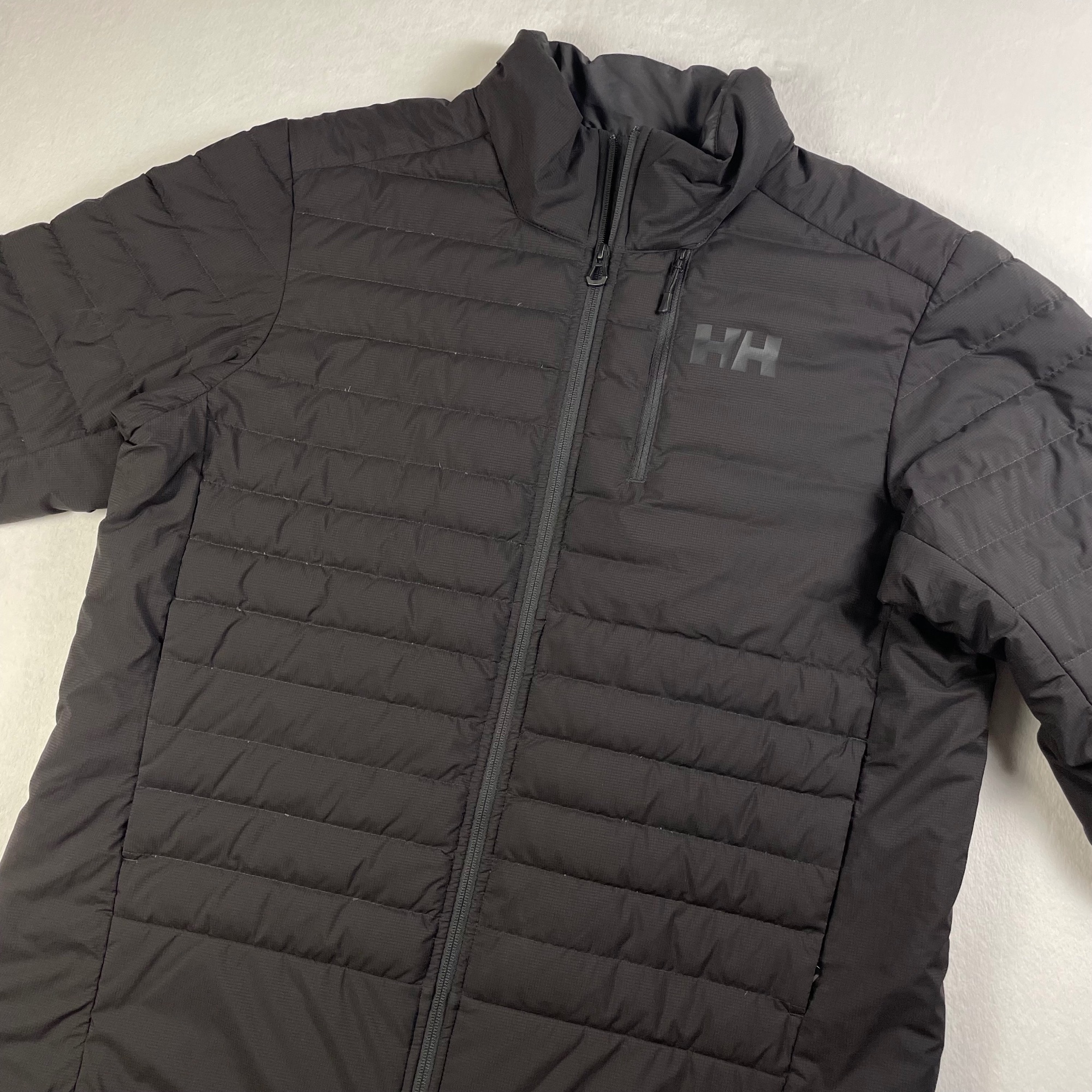
Restored contrast gives the quilting clearer definition.
Show the color more accurately.
Room lighting and your phone’s automatic adjustments can leave a white shirt looking pink or navy fabric looking purple. Adjust warmth, tint, and saturation to bring the photo closer to the item in front of you.
Better lighting should help buyers see what they’re getting, including any marks or discoloration.
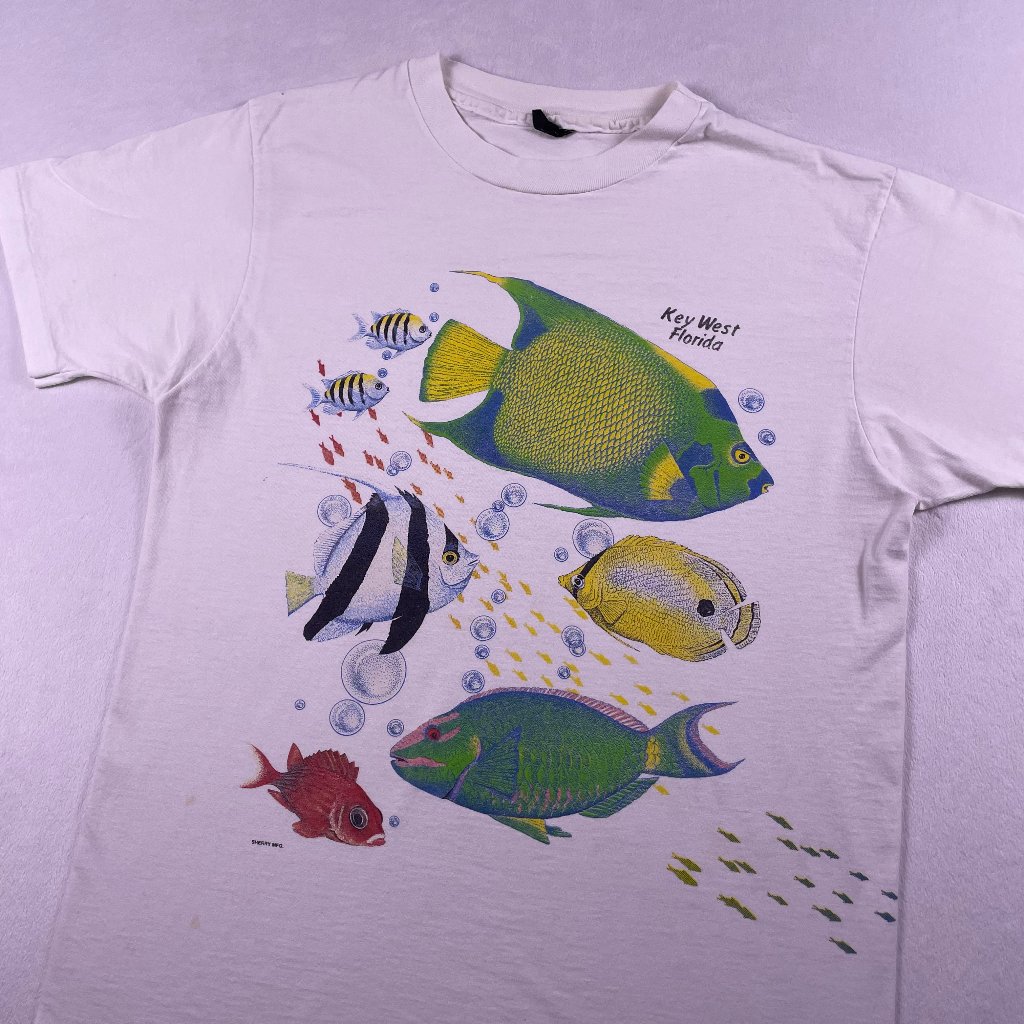
Reduced the purple cast on the white shirt and background.
Edit multiple photos at once.
Photos taken in the same lighting often need the same correction. Apply your adjustments across selected images to save time, then fine-tune any photo that needs extra attention.
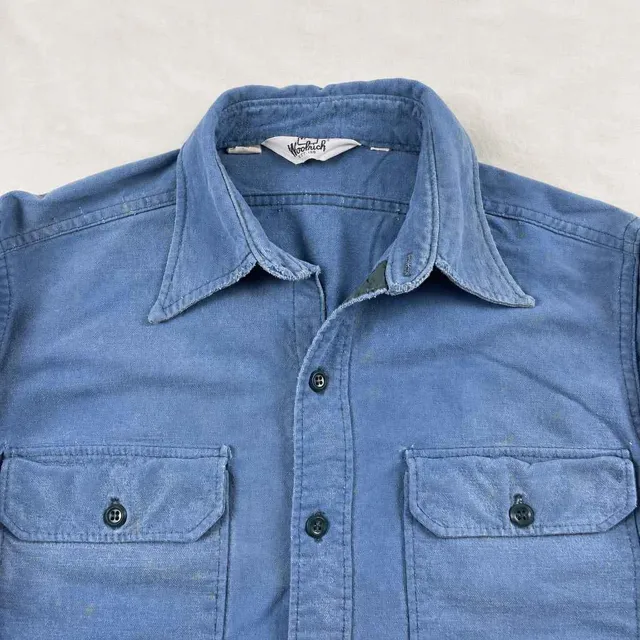
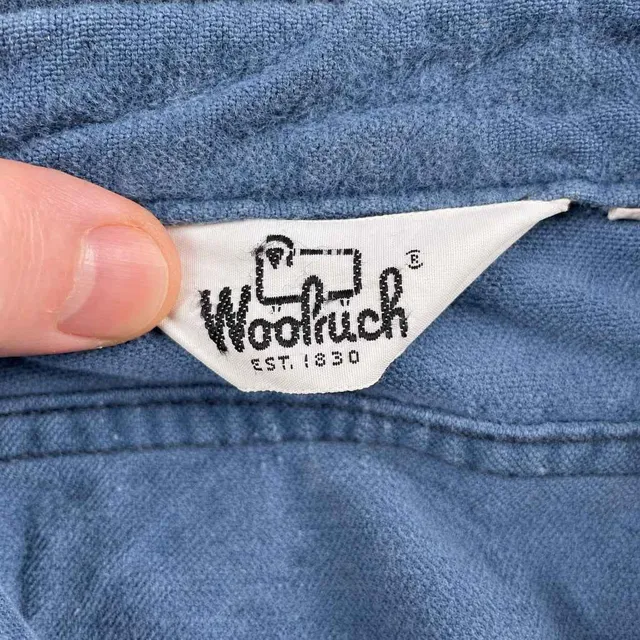
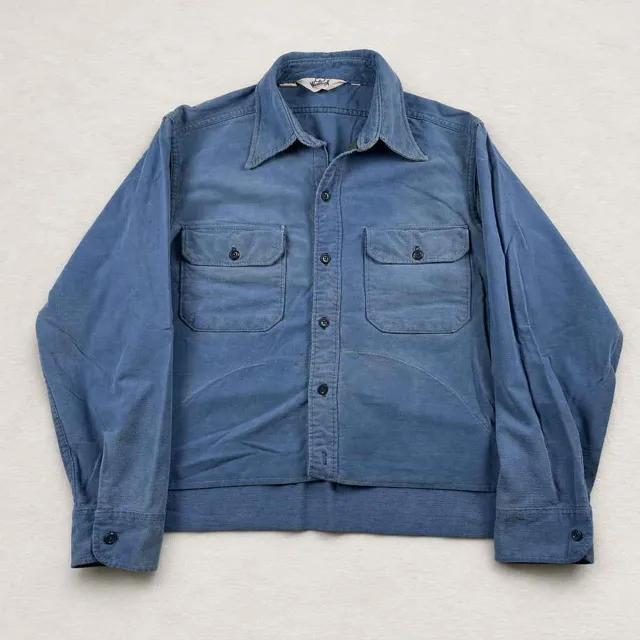
Better photos. More confidence in your listings.
Get your photos ready, then let Orvillist research your products and generate detailed eBay listings. Review, edit, and publish when you’re ready.